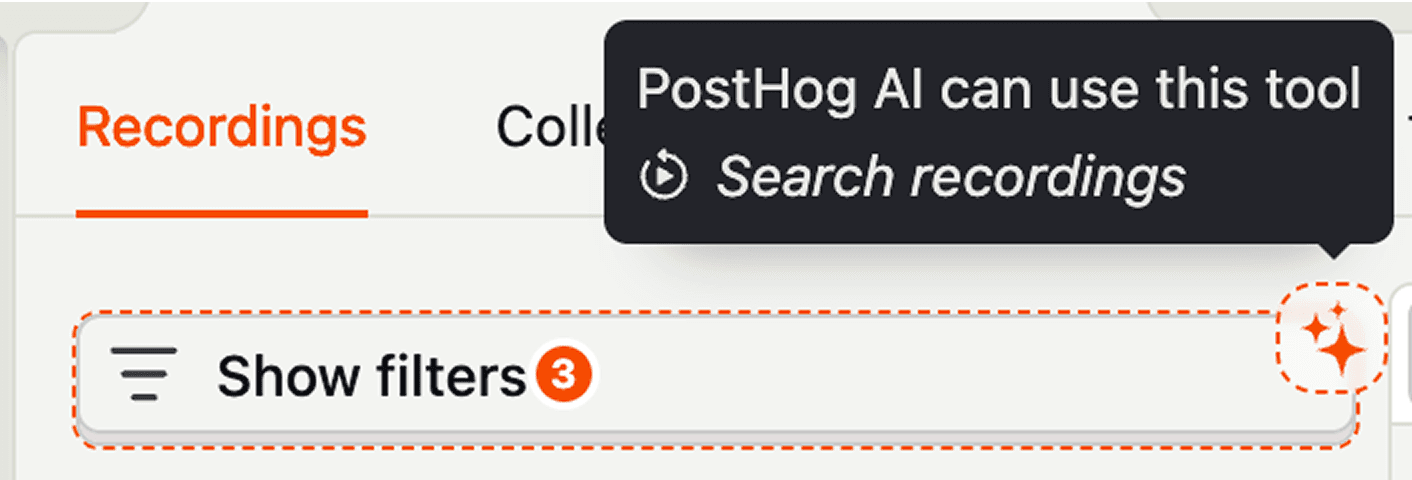
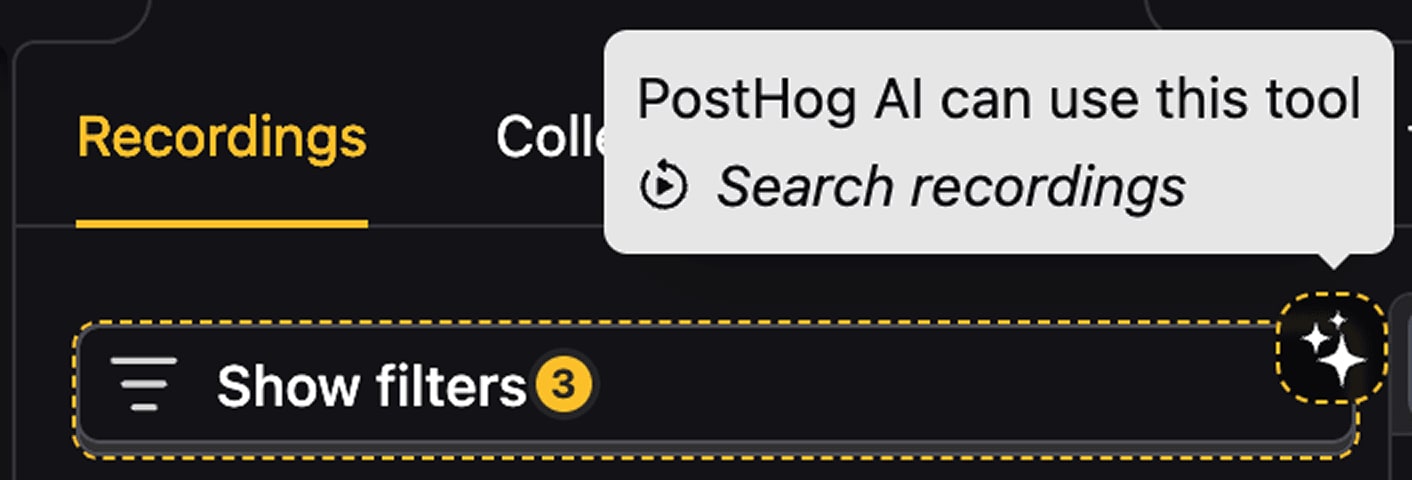
Getting started with PostHog AI
Allow PostHog AI access
To get started, the first step is to open the PostHog AI chat in the right sidepanel of the PostHog app.
The very first time you say hello or enter a prompt, you'll need to grant PostHog AI access to your project. This action requires admin permissions for your organization.
Run /init command
With PostHog AI enabled, run the /init command in the chat. PostHog AI will ask you a few baseline questions about your product and company.
These details are then saved to PostHog AI's memory so it can always be used as context to help conduct research and provide answers relevant to your project.
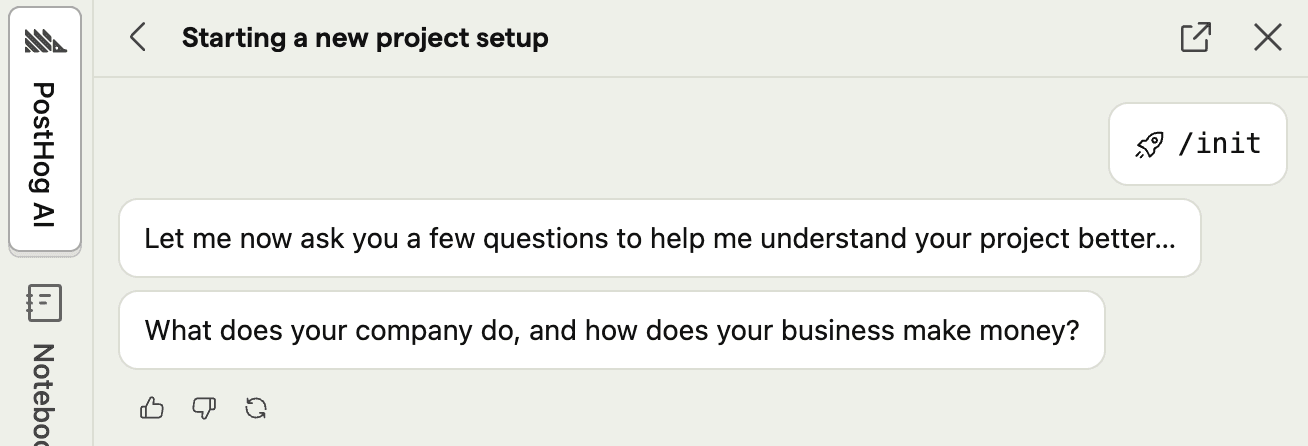
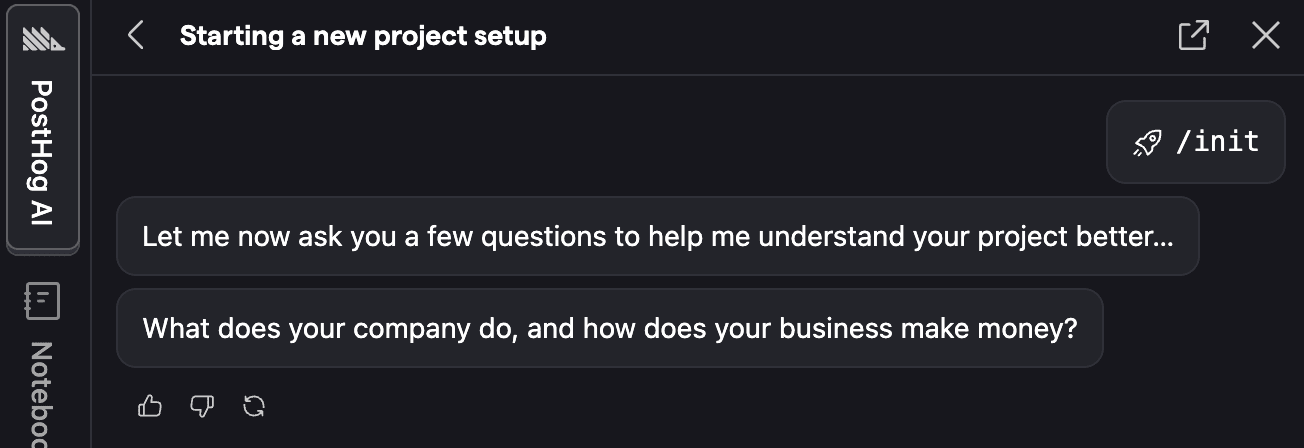
Think of it as onboarding your new robot product analyst.
Ask PostHog AI to do things
PostHog AI is now ready to answer product questions and complete tasks for you. It works best if you already have some data and implemented at least one PostHog application like product analytics, session replays, feature flags, or error tracking.
Here are a few prompts you can try:
What changed across my product this week?Find session replays where users got stuckBuild a dashboard for onboarding retentionWrite a SQL query to find the top 10 most active users by event countHow do I set up a feature flag?Navigate to the settings page
Add context
To make PostHog AI even more effective, you can add and manage context as you prompt it.
PostHog AI automatically detects the active tab or page you're on to infer context. You can also manually add context and include other data points from your project – such as events, actions, insights, or dashboards.